Storage Cost Calculator
Select a storage type, then adjust capacity and time to see which option is truly the cheapest for your needs.
1. Choose Your Storage Solution
External HDD
Mechanical DriveExternal SSD
Solid StateCloud Storage
SubscriptionUSB / MicroSD
Flash Memory2. Customize Your Needs
Cost Analysis Results
Best Value Choice
| Storage Type | Upfront Cost | Total Cost (3 yrs) | Effective Cost/GB | Verdict |
|---|
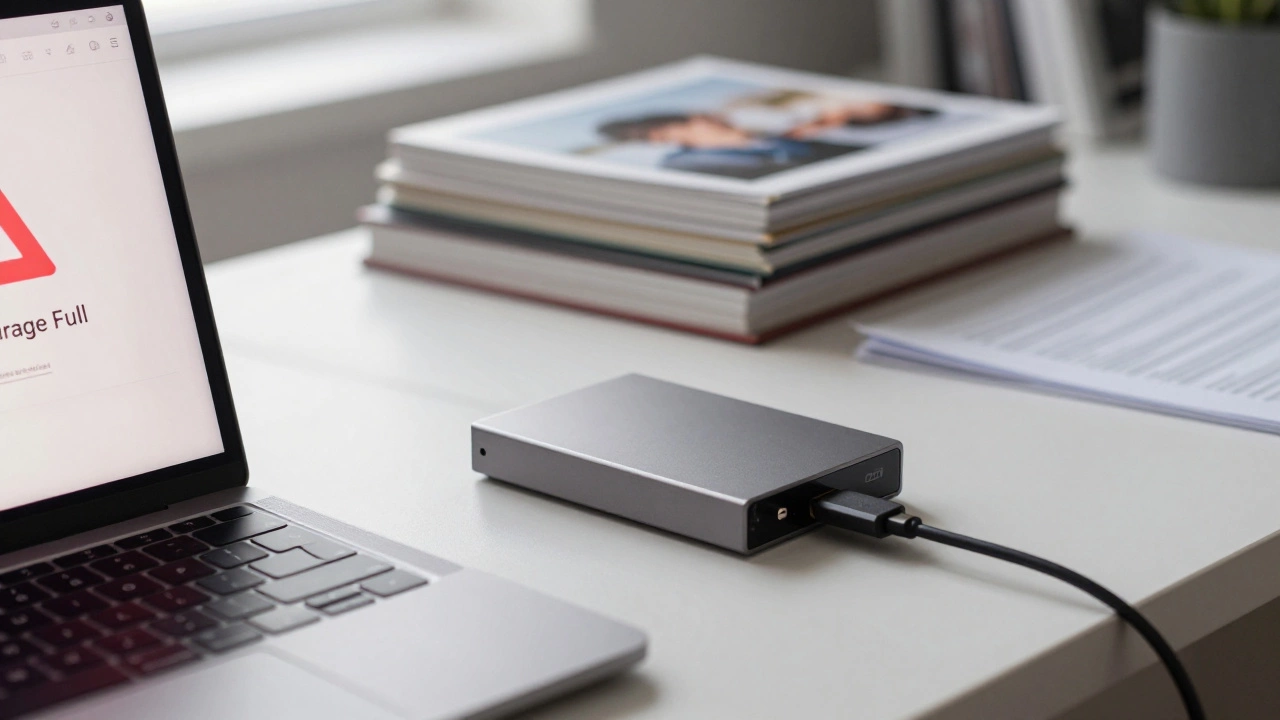
You have a terabyte of photos, videos, and documents sitting on your laptop. The red warning bar is creeping up, and you need more space. But you don't want to spend a fortune. You are asking the right question: which is the least expensive storage device? The answer isn't as simple as pointing to one gadget. It depends entirely on how you define "cost." Are you looking for the lowest upfront price tag at the checkout counter? Or are you calculating the cost per gigabyte over five years?
In 2026, the landscape of digital storage has shifted again. Solid-state drives (SSDs) have become standard for speed, but they still carry a premium. Cloud services keep raising their monthly fees. Meanwhile, mechanical hard disk drives (HDDs) remain the undisputed kings of raw capacity for pennies. If you want the absolute cheapest way to store massive amounts of data, the old-school spinning platter is still your best friend. Let’s break down the real costs.
The Cost Per Gigabyte King: Mechanical Hard Disk Drives
If we talk about physical devices you can hold in your hand, the Mechanical Hard Disk Drive (HDD) is a storage device that uses magnetic disks to read and write data remains the most affordable option by a wide margin. While SSDs use flash memory chips that wear out faster and cost more to manufacture, HDDs rely on spinning magnetic platters and moving read/write heads. This technology is older, simpler, and significantly cheaper to produce at scale.
As of mid-2026, you can find a reliable 4TB external HDD for around $80 to $90. That breaks down to roughly 2 cents per gigabyte. Compare that to a 4TB external SSD, which typically runs between $150 and $200, or about 4 to 5 cents per gigabyte. The math is clear. If your primary goal is storing large files like movie collections, backup archives, or high-resolution photo libraries where speed doesn't matter, the HDD is the winner.
However, there is a trade-off. HDDs are slow. Copying a 50GB folder might take ten minutes on an SSD but thirty minutes on an HDD. They are also fragile. Because they have moving parts, dropping an HDD can scratch the platters and destroy your data instantly. An SSD, with no moving parts, can survive a drop from waist height without blinking. So, while the HDD is the cheapest, it is also the most vulnerable to physical shock.
The Hidden Cost Trap: Cloud Storage
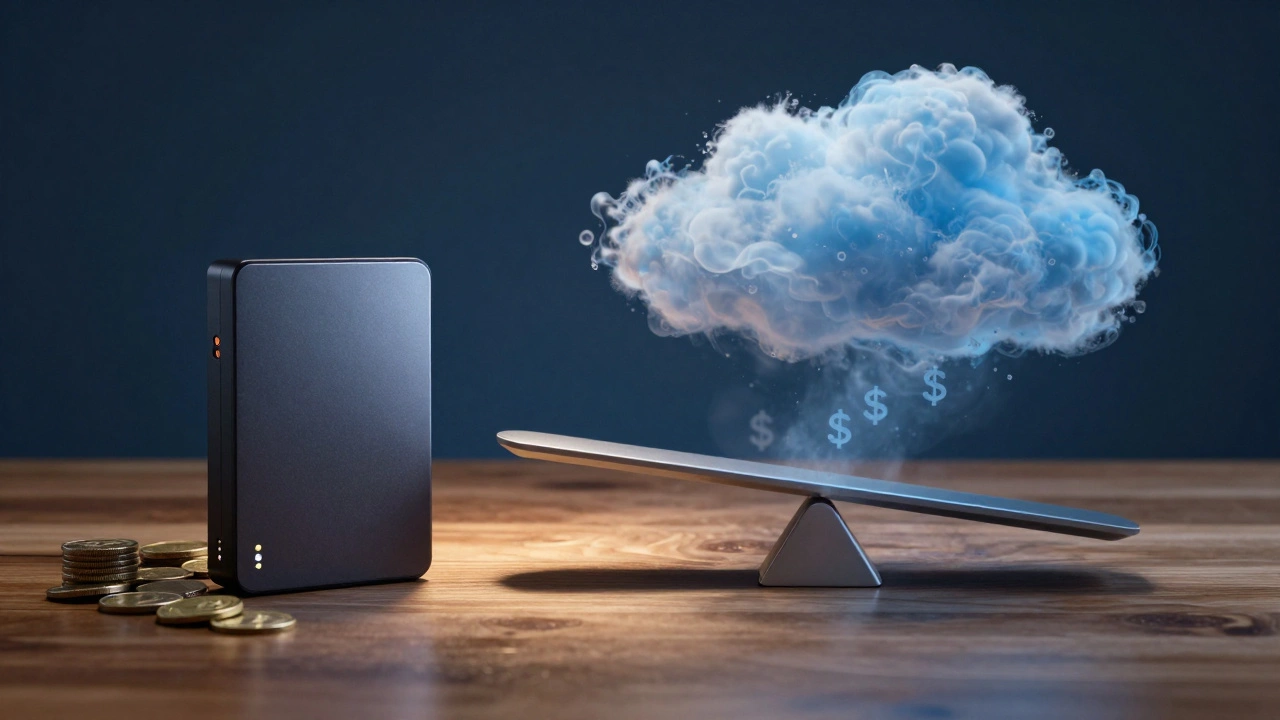
Many people assume cloud storage is cheap because the entry price is low. Services like Google One, iCloud, and Microsoft OneDrive often start with free tiers or cheap plans for 100GB or 200GB. But this is a classic subscription trap. When you look at the long-term cost, cloud storage becomes incredibly expensive.
Let’s do the math. A typical family plan for 2TB of cloud storage might cost $10 per month. Over one year, that is $120. Over five years, you pay $600 for 2TB. In contrast, a 2TB external HDD costs about $45 upfront. After 18 months, the cloud subscription costs more than the physical drive. After five years, you have paid 13 times more for the same amount of space, plus you have no physical asset to show for it.
Cloud storage is convenient. You access your files from any device, anywhere. It offers redundancy, meaning if your computer dies, your data survives. But if "least expensive" is your only metric, cloud storage loses badly against physical media. It is a service, not a device, and services always charge a premium for convenience and maintenance.
Flash Drives and Memory Cards: Good for Small Jobs
What about USB flash drives or microSD cards? These are USB Flash Drives are portable storage devices using NAND flash memory with no moving parts. They are durable, tiny, and require no power adapter. For transferring small files between computers, they are unbeatable in terms of portability.
However, they are not cost-effective for large-scale storage. A 128GB USB drive might cost $15. That is roughly 12 cents per gigabyte. A 1TB microSD card can run you $50 to $70, which is 5 to 7 cents per gigabyte. As the capacity increases, the price per gigabyte for flash memory goes up, whereas for HDDs, it stays flat or drops. Flash drives are great for carrying a few hundred photos or a handful of documents. They are terrible for backing up your entire life’s work.
Also, quality varies wildly. Cheap, no-name USB drives often fail within a year. Reputable brands like SanDisk, Samsung, or Kingston offer better reliability but at a higher price point. If you buy a $5 USB drive and lose your data, the cost just skyrocketed.
Internal Drives vs. External Enclosures
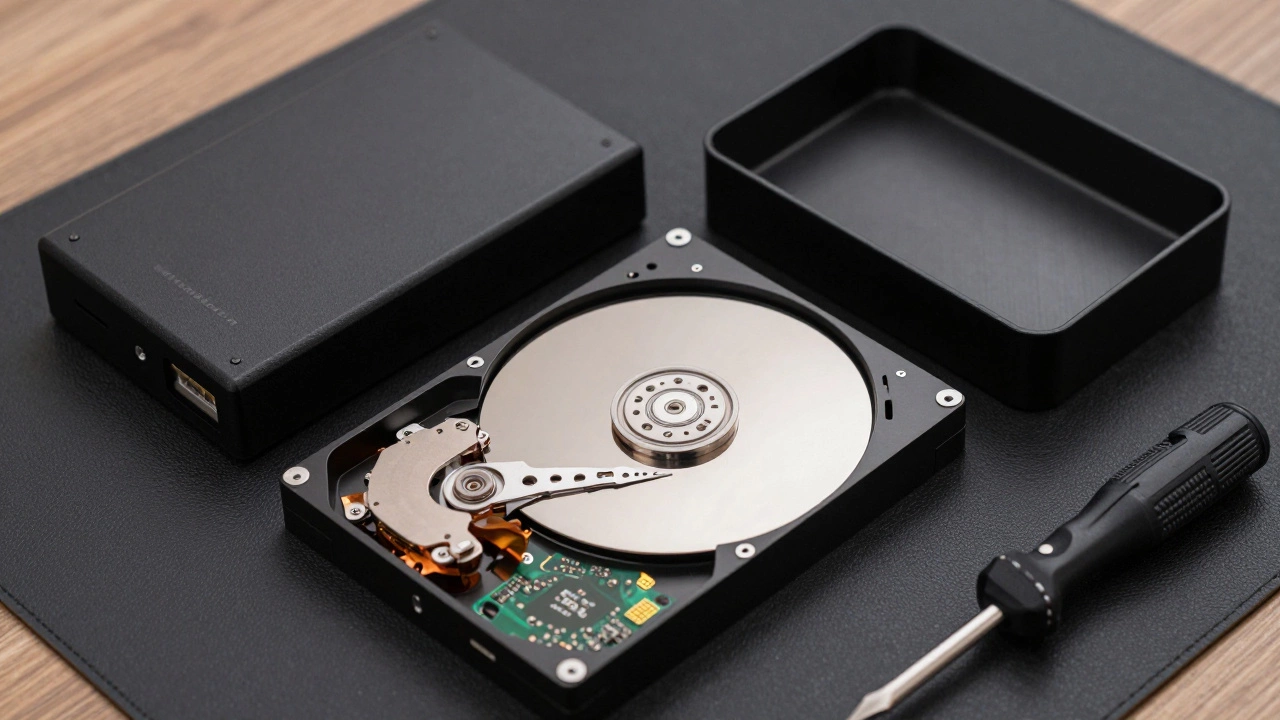
Here is a pro tip that saves money: buy internal drives instead of pre-made external ones. Manufacturers charge a markup for the plastic case, the USB cable, and the branding. An internal 4TB SATA HDD might cost $70. A branded 4TB external version of the exact same drive costs $90. That is $20 wasted on packaging.
You can buy a bare internal HDD and a generic USB-to-SATA enclosure for about $10 to $15. This gives you a fully functional external drive for significantly less money. Plus, you get to choose the build quality of the enclosure. Some enclosures even allow you to swap drives quickly, turning one box into a multi-drive library.
| Storage Type | Typical Capacity | Upfront Cost | Cost per GB | Best Use Case |
|---|---|---|---|---|
| External HDD | 4TB | $85 | ~$0.02 | Cold backups, media libraries |
| External SSD | 4TB | $180 | ~$0.045 | Active projects, video editing |
| USB Flash Drive | 128GB | $15 | ~$0.12 | File transfer, presentations |
| Cloud Storage | 2TB (Annual Plan) | $120/year | ~$0.06 (yearly) | Access from anywhere, sharing |
| MicroSD Card | 1TB | $60 | ~$0.06 | Drones, cameras, phones |
Refurbished and Used Market: The Budget Hacker’s Choice
If you really want to stretch your dollar, look at the refurbished market. Enterprise-grade HDDs used in servers are often pulled out after three to five years and sold cheaply. A 10TB enterprise HDD might sell for $100 to $120 on secondary markets. That brings the cost per gigabyte down to 1 cent. This is half the price of new consumer drives.
But here is the risk: these drives have already worked hard. They may have bad sectors or failing motors. Using them for critical backups is dangerous. However, if you are storing non-essential data-like movies you can re-download or game installers you can reinstall-refurbished enterprise drives are the ultimate value play. Just never put your only copy of important data on a used drive.
Reliability and Longevity: The Real Cost of Failure
Price is not just what you pay; it is what you lose when things break. Data loss is expensive. Hiring a professional data recovery service can cost hundreds or thousands of dollars. Therefore, the "cheapest" storage is the one that doesn’t fail.
HDDs have a mean time between failures (MTBF) measured in millions of hours, but they are sensitive to vibration and heat. Keep them in a cool, dry place. SSDs last longer in harsh conditions but suffer from bit rot over many years if left unpowered. Flash memory needs to be refreshed occasionally. If you leave a USB drive in a drawer for five years, the data might degrade.
To mitigate risk, follow the 3-2-1 rule: keep 3 copies of your data, on 2 different types of media, with 1 copy offsite. This means combining the cheap HDD for local bulk storage with a slightly more expensive cloud tier or a second HDD kept in a safe deposit box. This strategy balances cost with security.
Which Device Should You Buy?
Your choice depends on your specific needs. Here is a quick decision guide:
- For pure volume and lowest cost: Buy a new 4TB or 8TB external HDD. Look for models from Seagate, Western Digital, or Toshiba. Avoid the cheapest no-name brands.
- For speed and durability: Invest in an external SSD. It is twice the price per GB, but it pays off in time saved and peace of mind.
- For small transfers: A reputable 128GB USB-C flash drive is sufficient. Do not buy larger capacities unless necessary.
- For accessibility: Use cloud storage as a supplement, not a replacement. Pay for only the space you actively share or sync.
- For extreme budgets: Consider refurbished enterprise HDDs for non-critical data, paired with a strict verification routine.
The least expensive storage device in 2026 is undoubtedly the mechanical hard drive. It offers the best balance of capacity and cost. By buying internal drives and adding your own enclosure, or by carefully selecting refurbished options, you can minimize expenses further. Just remember that cheap storage requires careful handling. Treat your drives with respect, keep them backed up, and you will save money in the long run.
Is it cheaper to buy one large hard drive or multiple smaller ones?
It is almost always cheaper to buy one large hard drive. Manufacturers achieve economies of scale with higher capacities. A single 8TB drive usually costs less than two 4TB drives combined, both in total price and in cost per gigabyte. Additionally, fewer devices mean less clutter and lower power consumption.
Do solid-state drives (SSDs) last longer than hard disk drives (HDDs)?
Physically, yes. SSDs have no moving parts, so they are resistant to shocks and vibrations. However, SSDs have a limited number of write cycles. For average users, this is rarely an issue, as modern SSDs can last decades under normal use. HDDs can fail due to mechanical wear, but they do not suffer from write-cycle limits. Both technologies can last 5-10 years with proper care.
Can I use a USB flash drive for long-term archival storage?
No, it is not recommended. Flash memory retains data by trapping electrons in cells. Over time, especially if the drive is stored in warm conditions or left unpowered for years, these electrons can leak, causing data corruption known as bit rot. For long-term archival, optical media (like M-DISC) or regularly refreshed HDDs are safer choices.
Why are enterprise hard drives cheaper than consumer drives?
Enterprise drives are designed for server environments where noise and slight performance variations are acceptable. They often lack the advanced error-recovery features that consumer drives have, which can cause issues in RAID arrays but are unnecessary for standalone use. Also, many enterprise drives are sold as refurbished after being used in data centers, driving down the price significantly.
Is cloud storage ever cheaper than a physical hard drive?
Only if you need very small amounts of storage (under 100GB) and value convenience over cost. For anything above 1TB, physical drives are vastly cheaper. Cloud storage charges for infrastructure, bandwidth, and support. Physical drives are a one-time purchase. The break-even point is usually around 1-2 years for small plans, but for large capacities, cloud is always more expensive.